Do you spend more time
doing the work or managing it?
The product-development platform where keeping track is a byproduct of building your product.
Your process. Your agents. Your humans always in the loop.
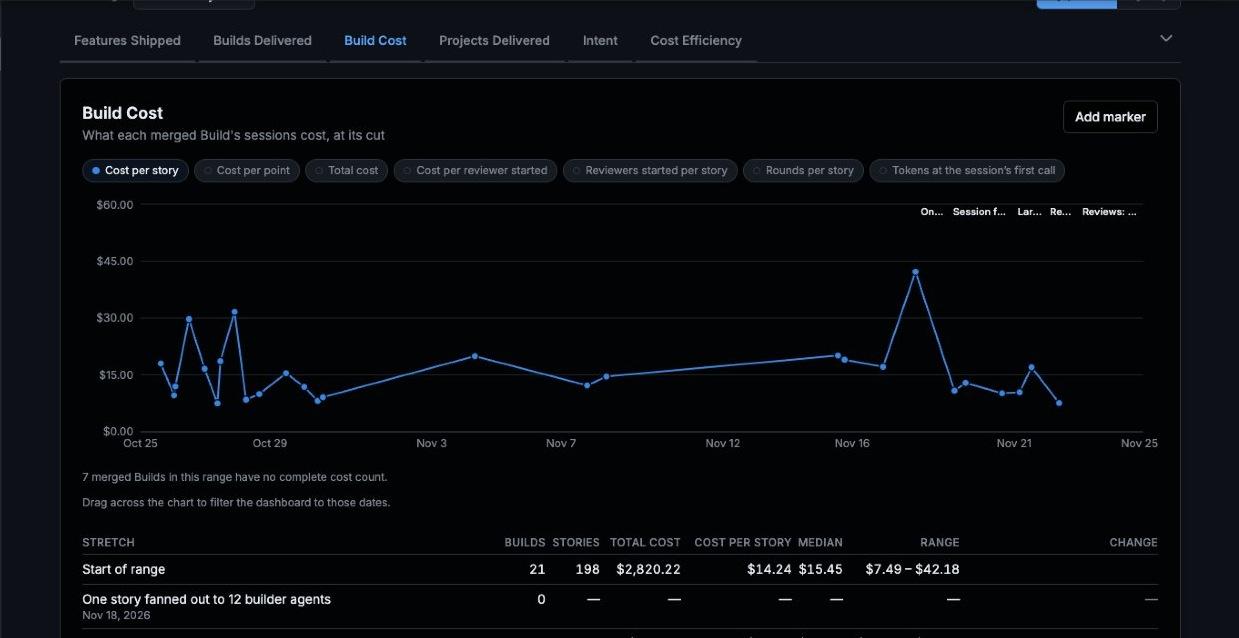
Use the tools you already own.
Connect your PRD, and DecisionGraph gives your coding agents the context to build it.
The best models get better every week, so DecisionGraph works with them instead of fencing one inside our app. We are the part in between.
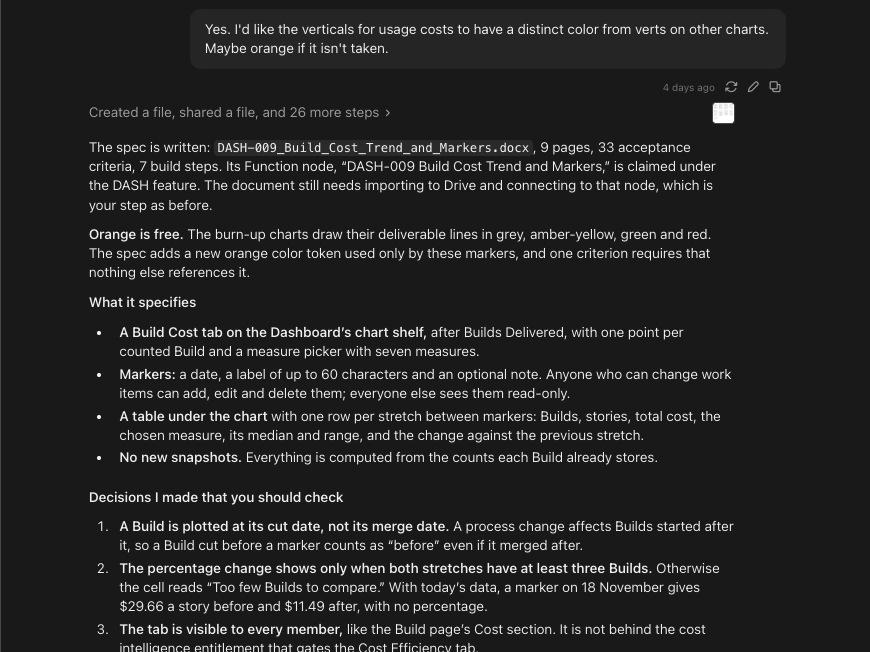
Talk it through. Get the spec.
Think the design through with Claude, or whatever model you brainstorm in. When you’re ready, it writes the PRD.
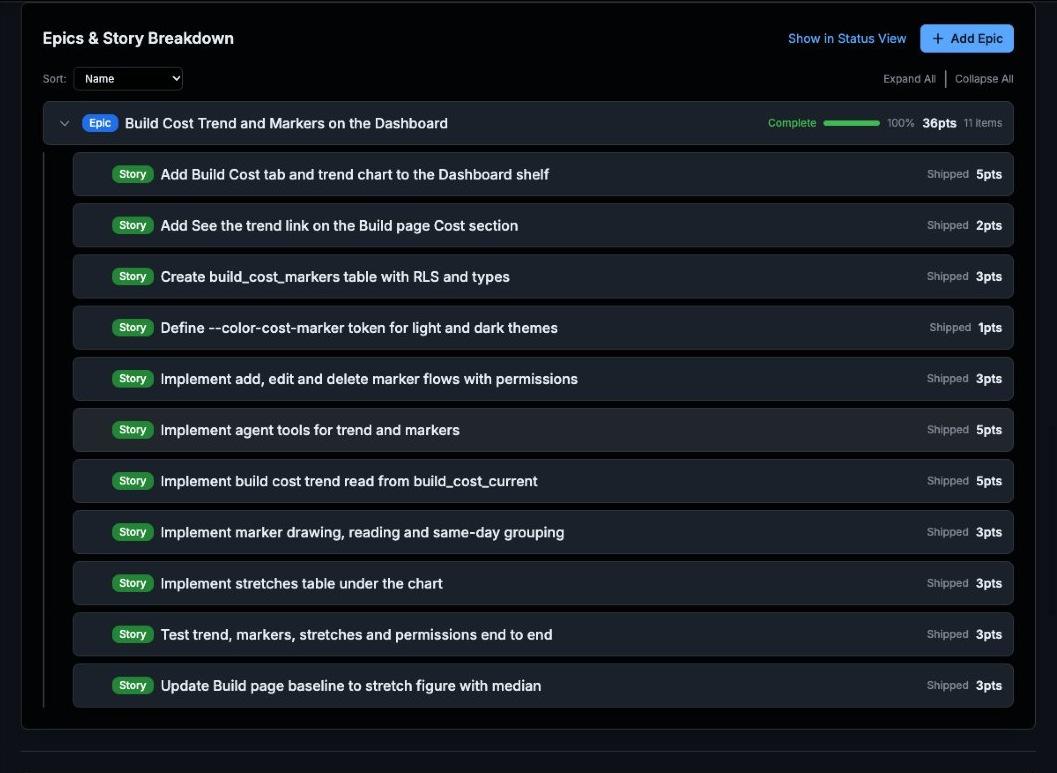
The PRD becomes stories
DecisionGraph breaks it into epics and stories. This build’s playlist, captured as you go.
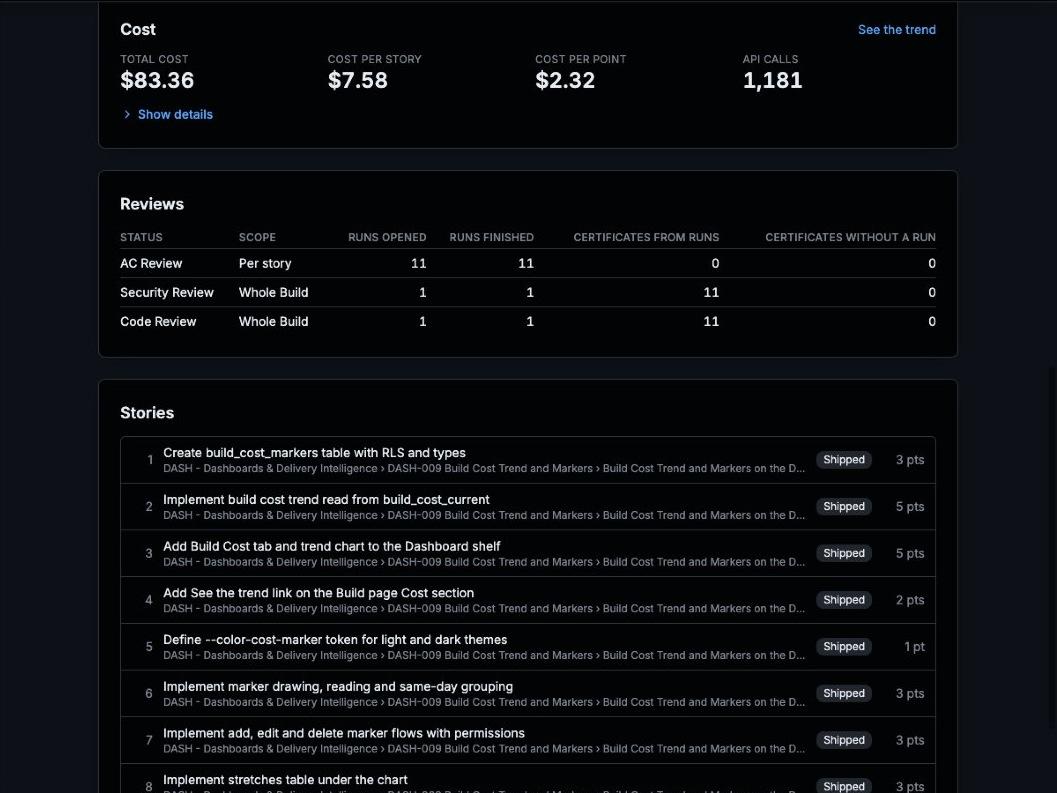
The whole playlist, one pass
Select a few of the stories or all of them. Claude Code builds them in a single run on a branch of your production code.
A shared brain for your team.
Don’t just build the feature. Build the context.
Humans and AI agents collaborate in the same context, and the work keeps it current.
It all stays in the graph
Every spec, every decision, every story. The plan you shipped becomes the context you build on next.
Your agents can read it
The graph is your own MCP, queryable by Claude as you plan and by Claude Code as it builds.
Nobody maintains it
All of it is a byproduct of the build. Nothing is typed up afterwards.
From request to release, itemized.
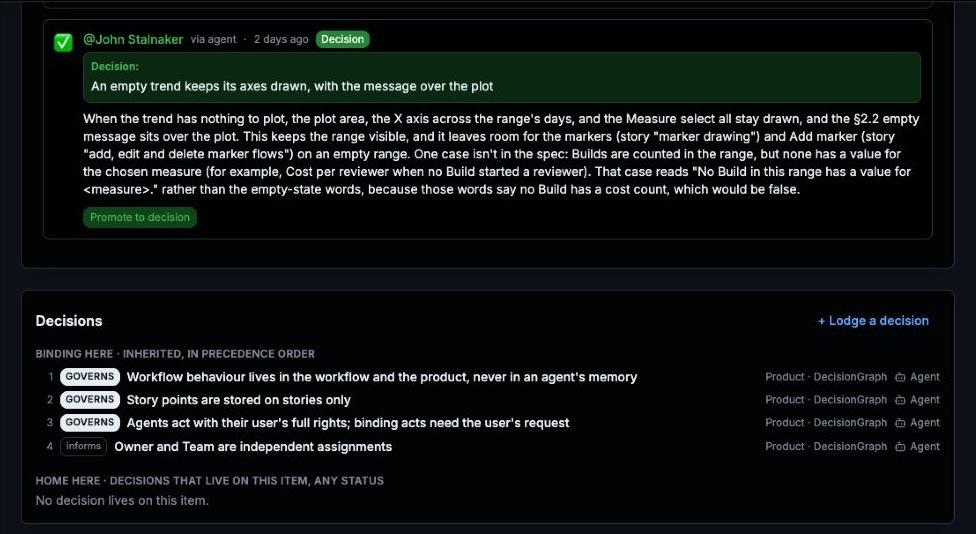
Most decisions never get a record of their own. They are made in a spec, a ticket or a chat with an agent.
DecisionGraph keeps them where they were made and links them to what shipped.
- Request
- who asked, and for what
- Spec
- what was agreed to build
- Decisions
- calls made along the way
- Stories
- the work it became
- Build
- what shipped, and when
- Cost
- what it took
Because the work should
keep its own record.
AI gives you speed. DecisionGraph brings the receipts.
- 01
AI made building fast.
- 02
Keeping track of the work became the slow part.
- 03
With DecisionGraph, the record comes from the work itself, using the tools you already own.
- 04
Every build leaves your team and your agents a shared brain, and the next build starts from it.